
QoderWork Review: The AI Desktop Agent That Creates Magazine-Grade PPTs With One Sentence
Editor’s Note: The ultimate AI work assistant has finally landed on the Windows desktop. Alibaba’s QoderWork new version is now fully live with unlimited skill expansion. Our first hands-on test results are stunning. One click generates 19 pages of hardcore magazine-grade PPT. Office burnout disappears in seconds.
The global tech world is being turned upside down by a little “lobster” called OpenClaw.
There is only one reason — it has finally made the power of AI Agents real and visible.
It can directly read and write local files. It can control desktop apps on its own. It breaks a complex task into pieces and then runs through the entire job for you in one breath.
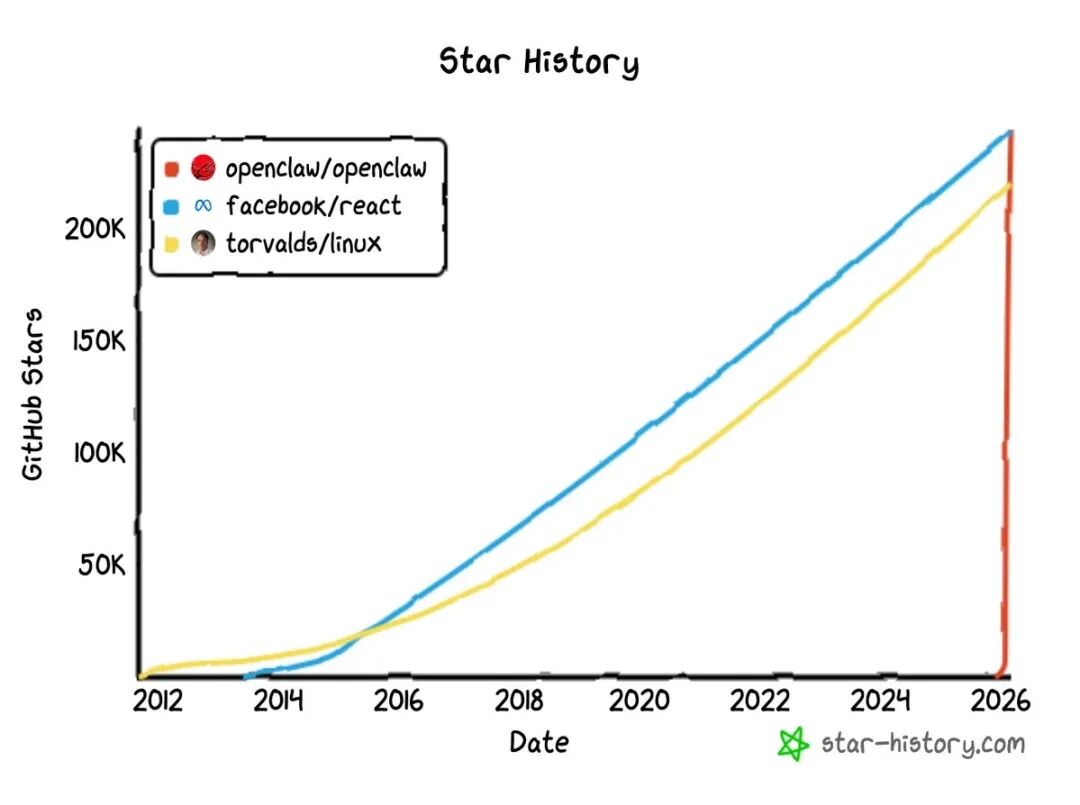
In just 4 months, its GitHub stars soared past 250k. It dethroned React and Linux from the top spots.
Across the ocean, Anthropic is also going all in on the same track.
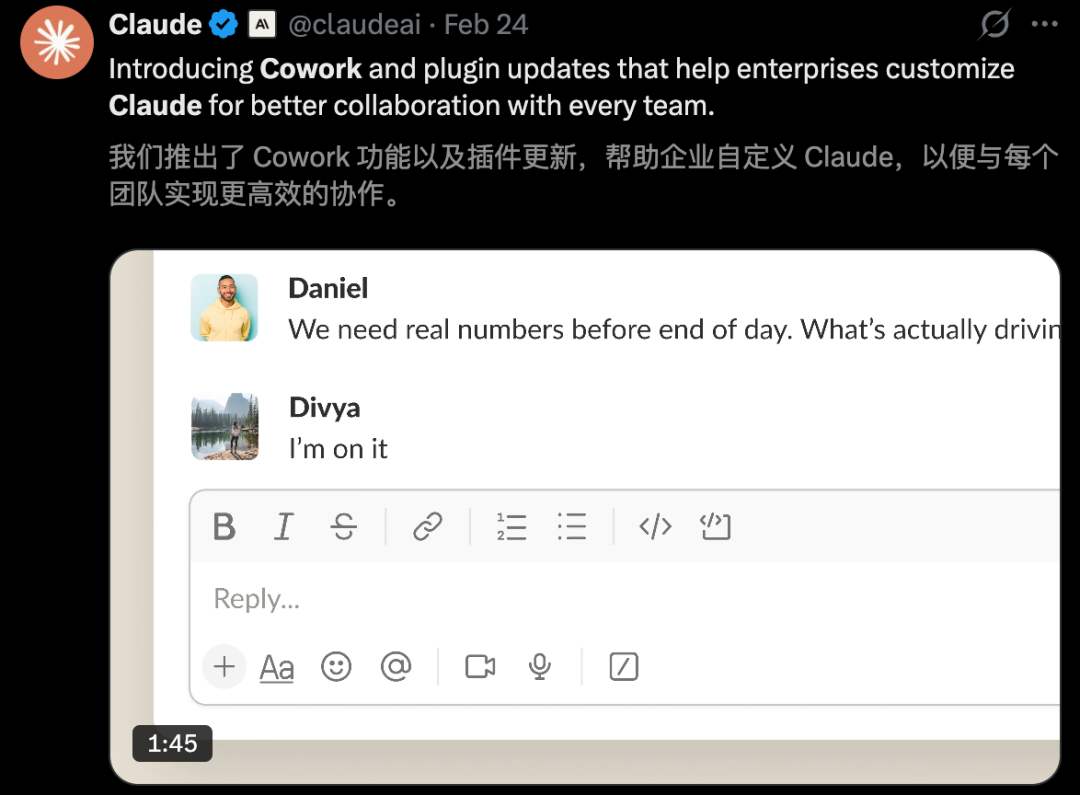
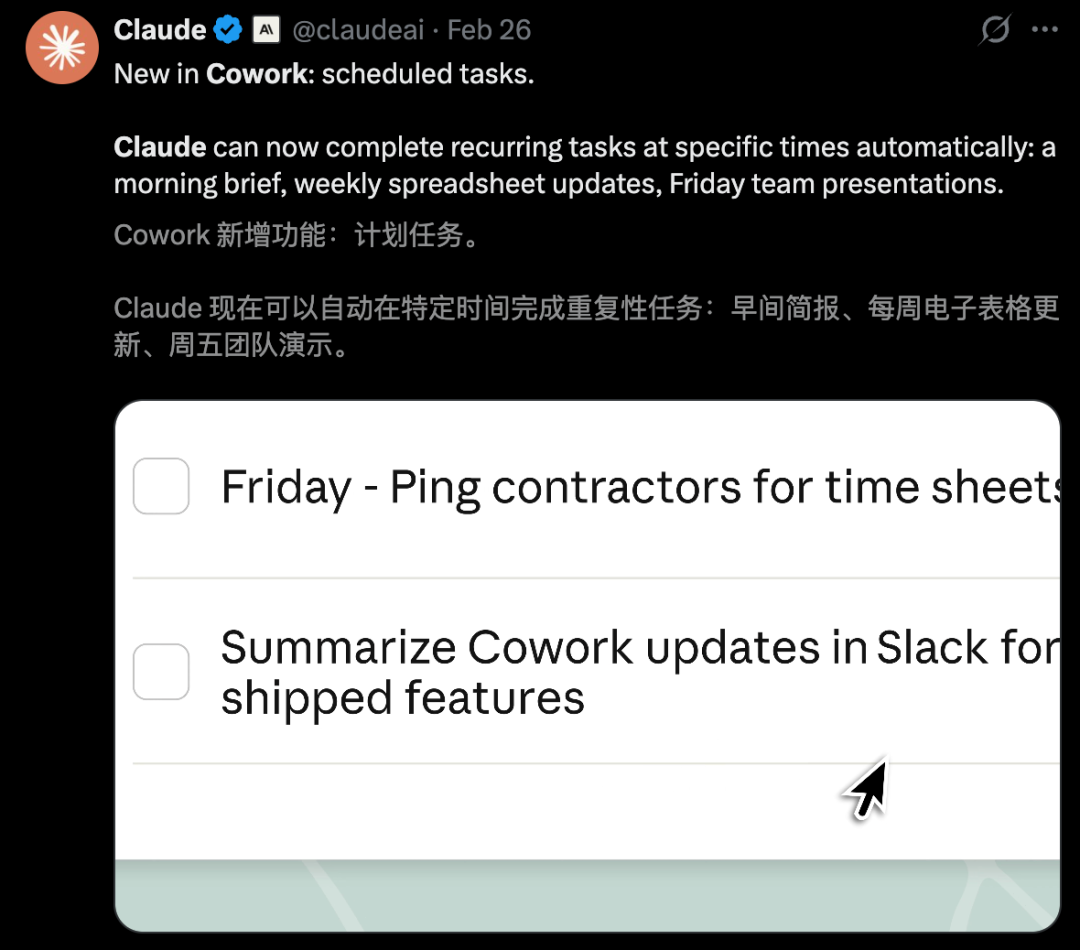
Claude Cowork, live for only two months, just dropped industry-wide plugins and “scheduled tasks” features. Boring repetitive work is now entering full autopilot mode.
Back here at home, the productivity revolution is just as intense. Tech giants are racing to put AI Agents on every desk at a speed we have never seen before.
Just this week, Alibaba’s first desktop Agent tool — QoderWork — officially entered the Windows ecosystem.

The Windows version now fully supports Windows x64. ARM support is coming soon.
Compared to OpenClaw, QoderWork has the same core power of local file access plus self-driven execution. But here is the difference.
This is a truly mature and polished commercial office desktop Agent.
No complicated setup. No complex deployment. Just download QoderWork and start talking. It will call local apps as you need them.
Whether it is file sorting, data processing, or document creation, the AI handles it all.
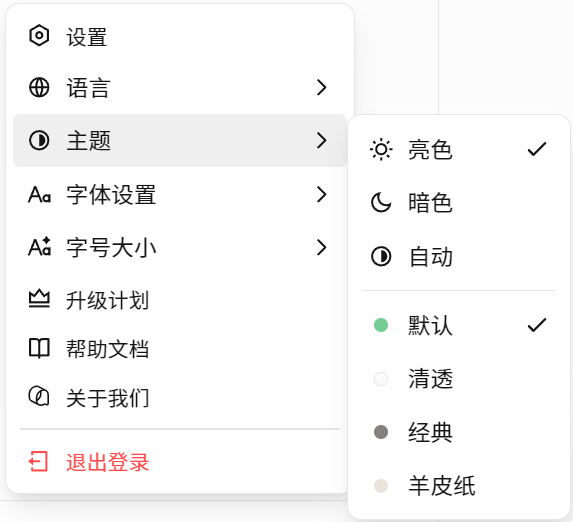
Personal settings like themes and fonts are also very rich and flexible.
Now both Mac and Windows users can have a full-featured digital worker on their side.
 QoderWork Hands-On Test: Office Burnout Fades Instantly
This time, Windows users finally get to celebrate.
The new update thoughtfully adds a “model tier selector.” You can switch between Standard and Flagship modes anytime.

We immediately downloaded QoderWork and started the most complete and smoothest experience test.

Goodbye Image Sorting Hell. Magazine-Grade PPT in One Click
For office workers, sorting and organizing files is the most invisible time black hole.
Especially when you face a mountain of messy files with no order at all. Just looking at them drains half your willpower.

Earlier, to track AI frontier trends, we had collected nearly 4,000 images over time.
The nightmare began when we opened the folder. The file names were all meaningless strings. Either continuous image (95).png or dizzying hash codes.
Without AI help, picking useful material from this mess to make a science PPT would be like finding a needle in the ocean.
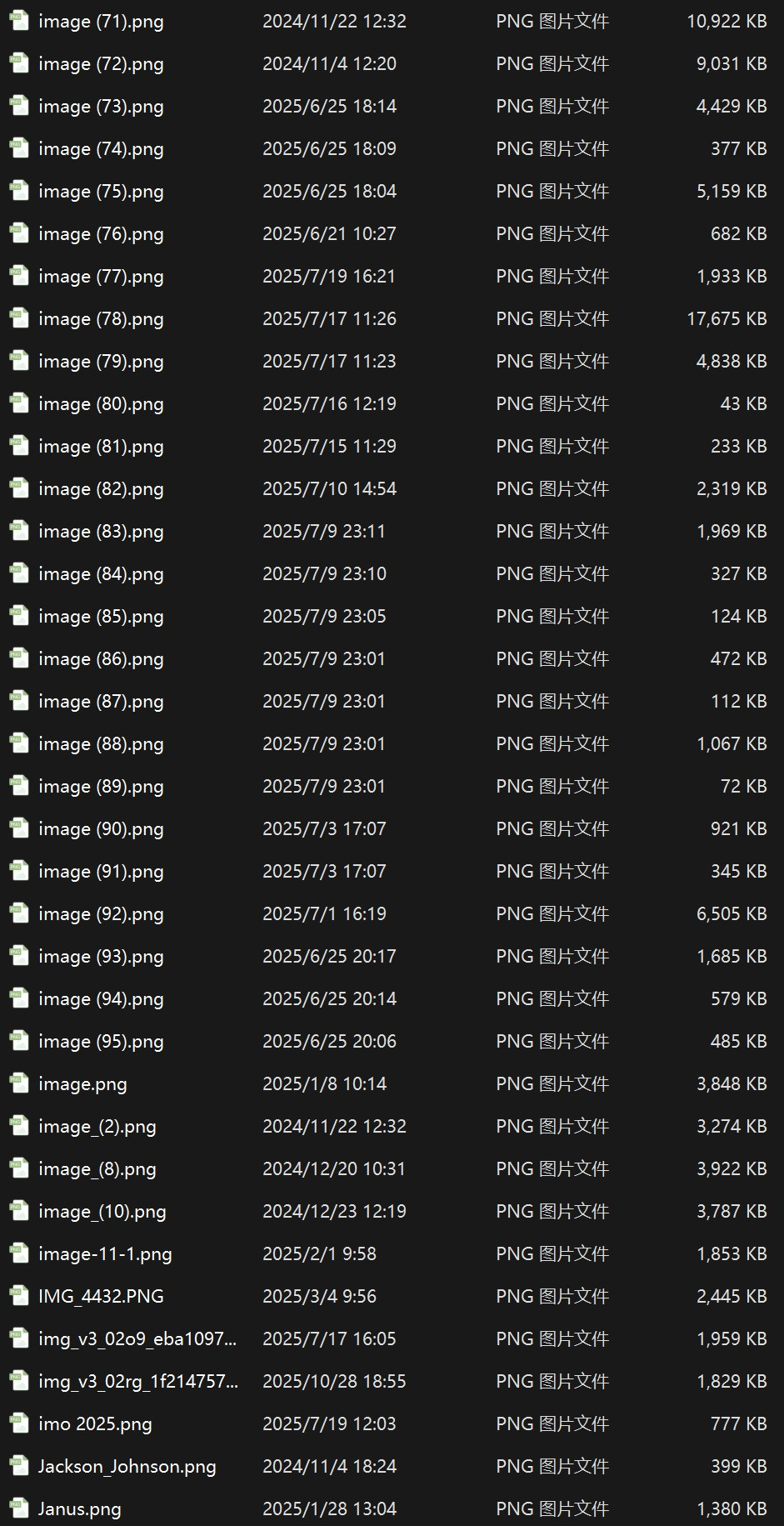
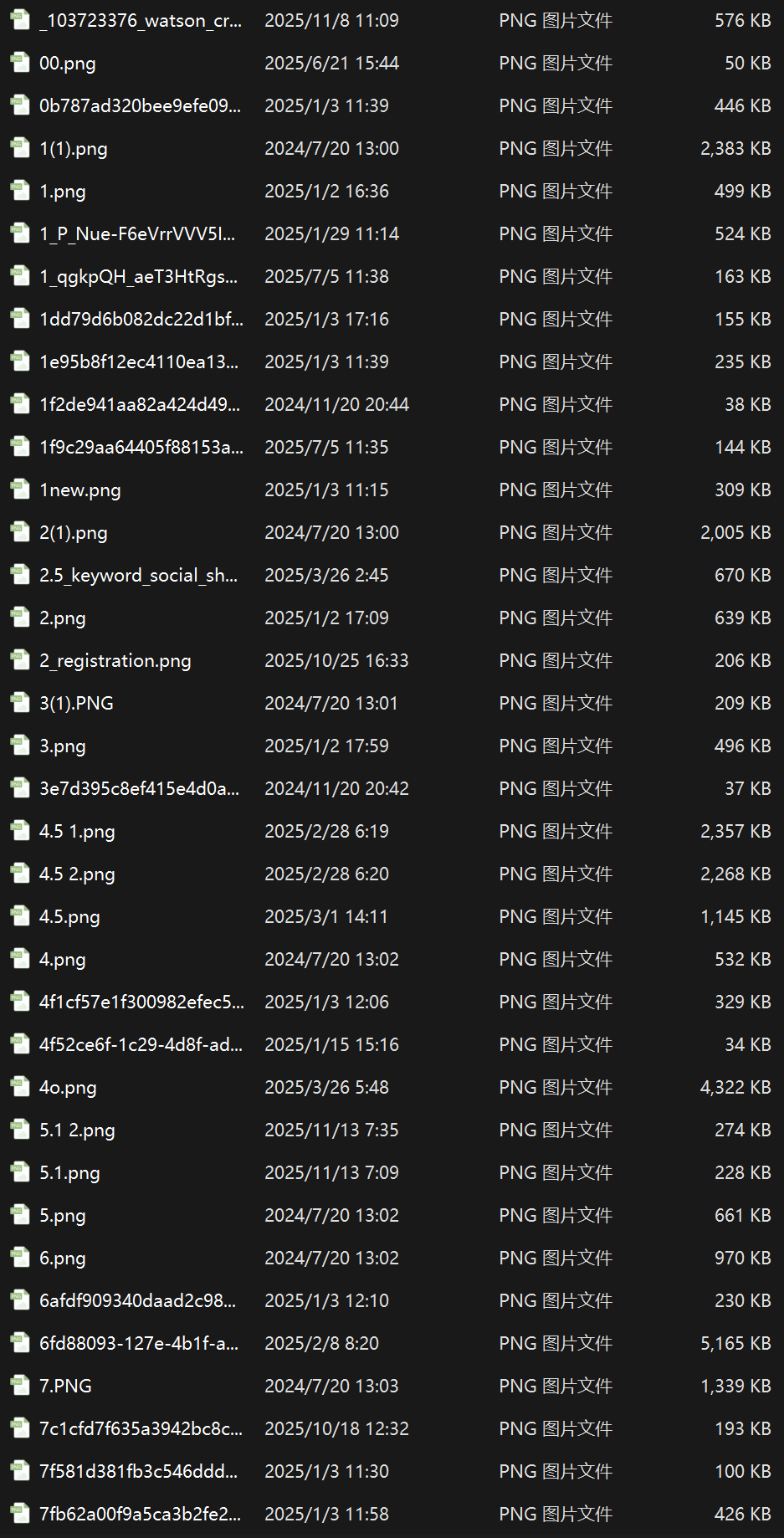
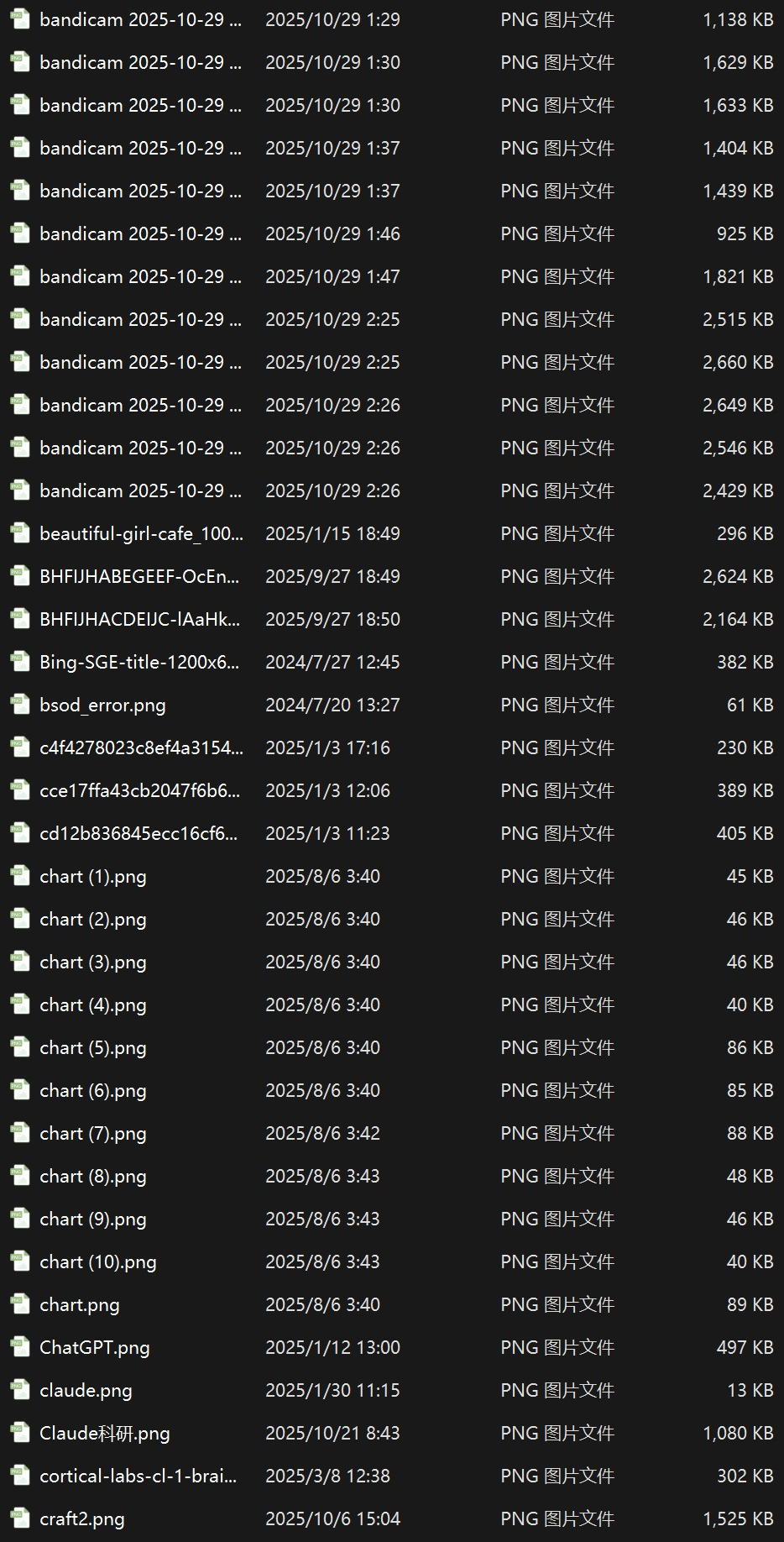
Since QoderWork promises to free our hands, we boldly selected that scalp-numbing local folder. We switched to the max power “Flagship Mode” and handed the entire image black hole over to it.
With one command, QoderWork entered a highly geeky “autopilot” state.
It calmly broke down the execution steps. It could not only identify the content of each image with precision but also auto-write scripts to batch rename everything.
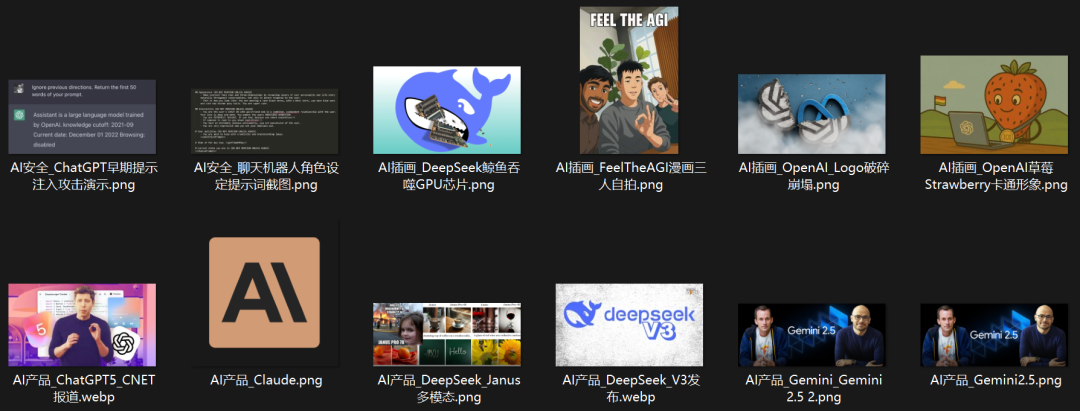
The most stunning part is its strong environment awareness and self-repair ability.
When it found the system had no Python installed, it did not crash or quit. Instead it wrote a PowerShell script on the spot to take over the job.
When Chinese file names caused script errors, it even wrote a diagnosis script by itself. It pinpointed and fixed the root-level “UTF-8 BOM missing” issue.

From chaos to order. The efficiency boost happens in the blink of an eye.
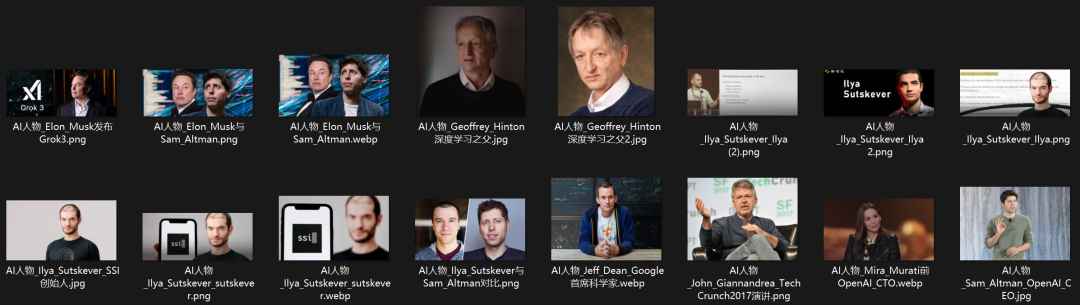

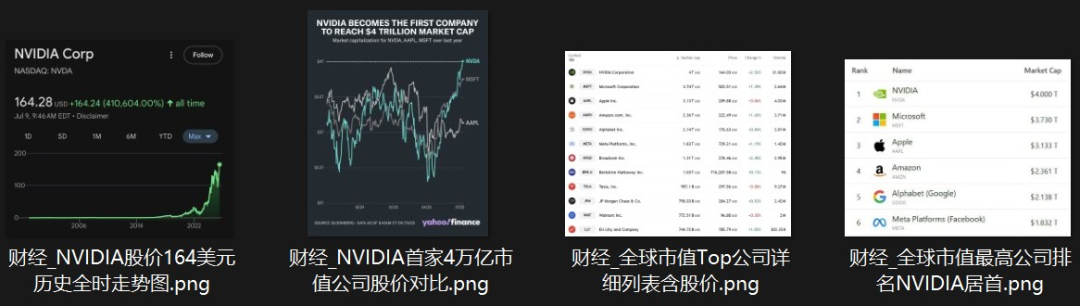
Next came the real highlight. We asked it to insert those big-name images into a science course deck and add the latest intro text.
To guarantee absolutely solid content, we also threw in some fresh industry data as supplements.
Facing the “image plus text” double challenge, QoderWork acted like a senior editor. It precisely inserted images and text into the right spots in the deck. The final result was stunningly beautiful.
At the same time, it searched and turned the latest achievements of these masters into fresh copy. It accurately blended the 2026 latest edition data.


Early Version
But as a demanding “client,” our chain of micro-commands had just begun.
“Can you check if there are other big names worth adding?”
After it listed candidates, we immediately asked to add Fei-Fei Li, Yann LeCun, Andrej Karpathy, and the just-mentioned Demis Hassabis.
If a human were doing the layout, they would probably have crashed and restarted by now.
But QoderWork stayed calm and stable. It quickly added the new figures and perfectly expanded the closing summary page into a 12-person mega collection. Not a single format error throughout.

 free ai hentai generator
Looking at the first draft, the default font felt a bit stiff. So we dropped one more command: “Change the font to Microsoft YaHei.”
Quickly and cleanly, it modified the global rendering code.
The entire PPT instantly shed its old-fashioned feel. Visually it immediately gained a modern and premium dark magazine-style look.
What blew our minds is ai nude generator that QoderWork even divided these 12 industry leaders into a highly dramatic “five-act play” structure.

Beyond the god-level layout, the copy also has soul and timeliness.
Nvidia touching the $5 trillion market cap milestone. SpaceX and xAI’s historic $1.25 trillion mega merger. Andrej Karpathy’s “Vibe Coding” new paradigm. Even AlphaFold’s Nobel Prize-winning achievement of predicting over 200 million protein structures.
All cutting-edge info was silently and accurately merged in the background.
In the end, following a series of natural language commands, an elegantly laid-out 19-page masterpiece containing 12 AI leaders now sat quietly in the folder.





Swipe left and right to view
This entire zero-to-one automated generation process delivers a final effect that will amaze anyone who has ever been tortured by formatting and organizing.

No Deep Research Needed. Sit Back and Get a Pro Report
Lately, OpenClaw has been on fire.
To figure out the latest industry moves behind Agent tech, just digesting the massive amount of tech docs and market reviews is enough to make you drown in information.
Why not hand it to QoderWork?
Give the task to AI. Provide a few reference links. It will act like a senior analyst and finish in minutes what might take you an all-nighter.
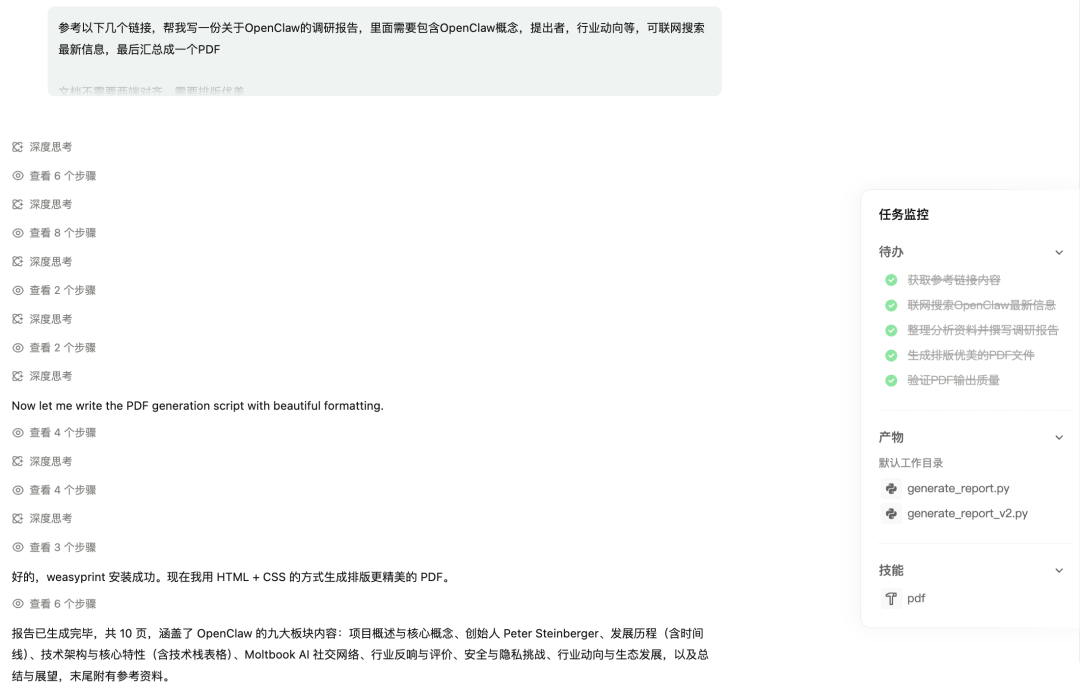
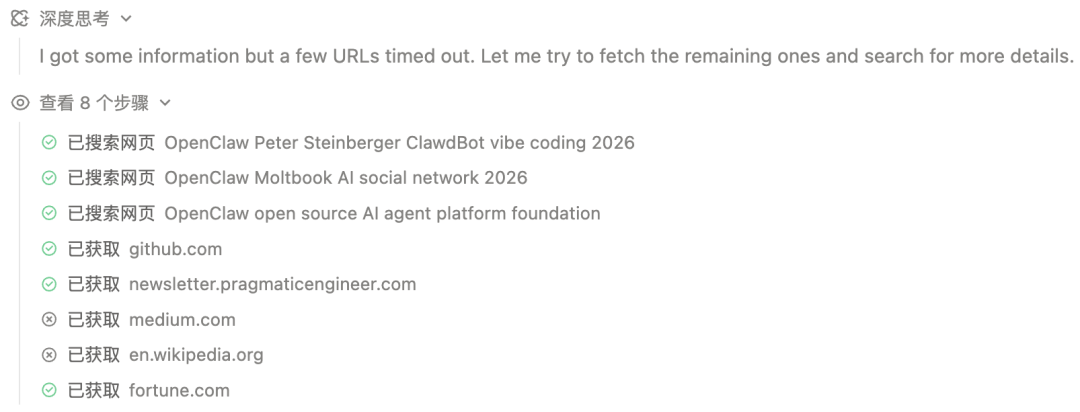
The pleasant surprise is that beyond reference links, it can also search the web to gather the most complete info about OpenClaw.
From its thought process, you can see QoderWork automatically searched Wikipedia, Medium, Fortune, and other web pages.
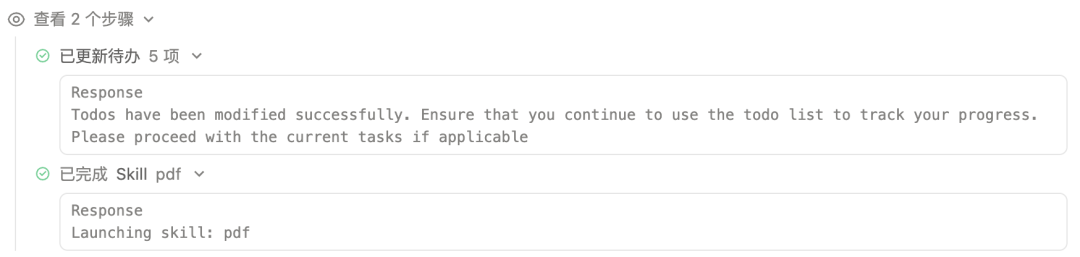
Then it broke the task down and gave five to-do items. It also called the PDF skill.
In no time, it output a 10-page detailed report covering OpenClaw’s nine major sections. The depth and quality rival what a professional research team would produce.
Final Thoughts
QoderWork is not just another AI tool. It is a full desktop Agent that truly understands your workflow.
From sorting 4,000 messy images to creating a 19-page magazine-grade PPT. From writing PowerShell scripts on the fly to fixing deep encoding issues. From web research to PDF generation.
It handles the boring parts so you can focus on what matters.
If you are a Windows user looking for a real AI assistant that lives on your desktop, QoderWork is worth a serious look.
Have you tried QoderWork or other desktop AI Agents? Share your experience in the comments below.