
QoderWork Review The AI Desktop Agent That Creates Magazine Grade PPTs With One Sentence
Editor’s Note: The ultimate AI work helper has finally arrived on the Windows desktop. Alibaba’s QoderWork new version is now fully live with many skills that can grow without limit. Our first test results are amazing. One click makes 19 pages of hardcore magazine grade PPT. Office tiredness goes away in seconds.
The whole tech world is being turned upside down by a little “lobster” called OpenClaw.
There is only one reason. It has finally shown what AI Agents can really do.
It can read and write local files directly. It can control desktop apps by itself. It breaks a hard task into small parts and then runs through the whole job for you in one go.
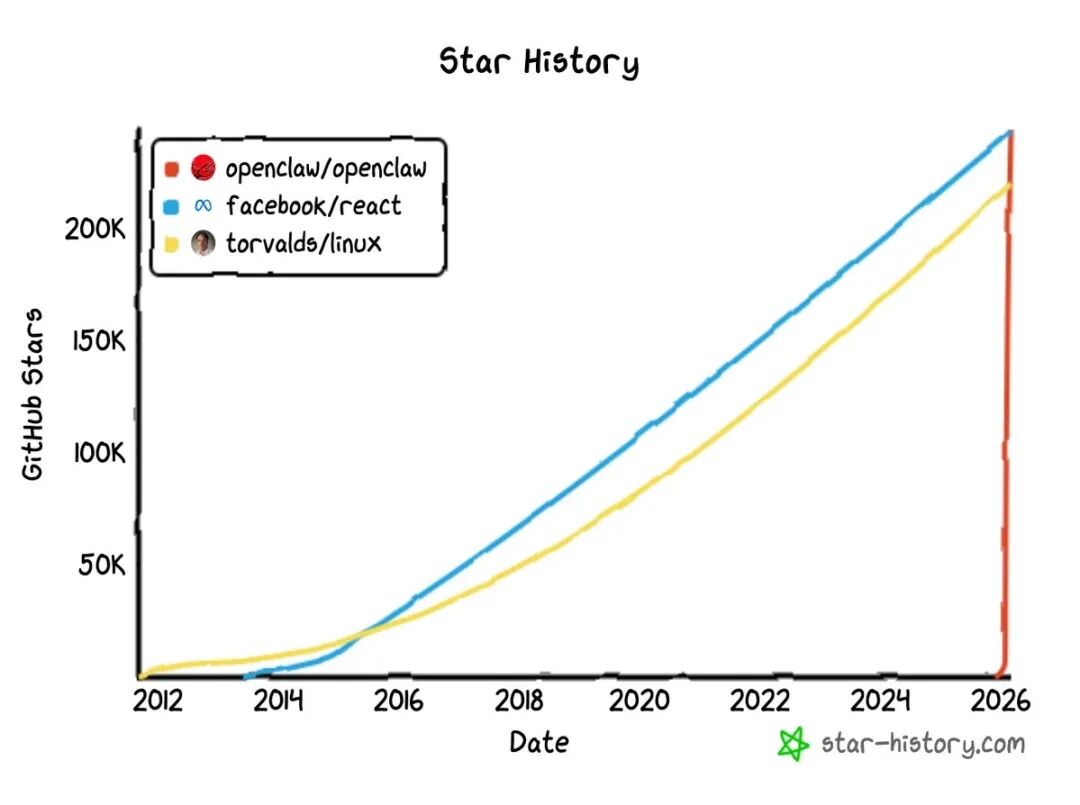
In only 4 months, its GitHub stars jumped past 250k. It pushed React and Linux off the top spots.
On the other side of the ocean, Anthropic is also going all in on the same path.
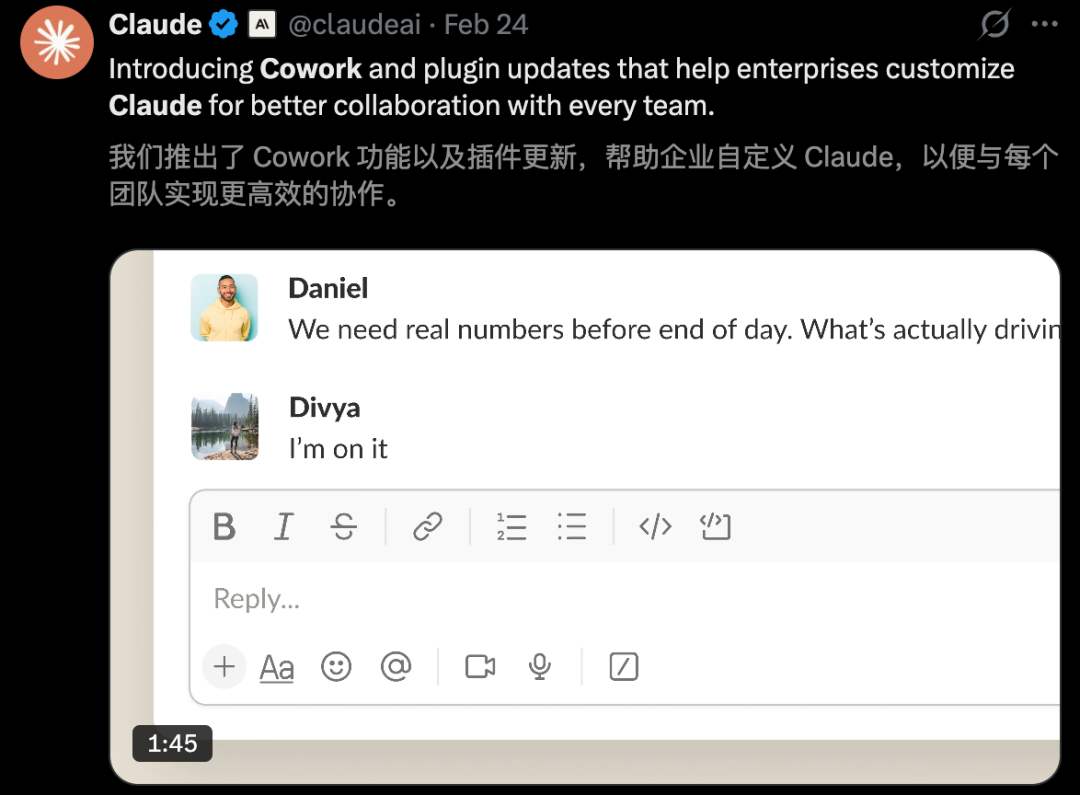
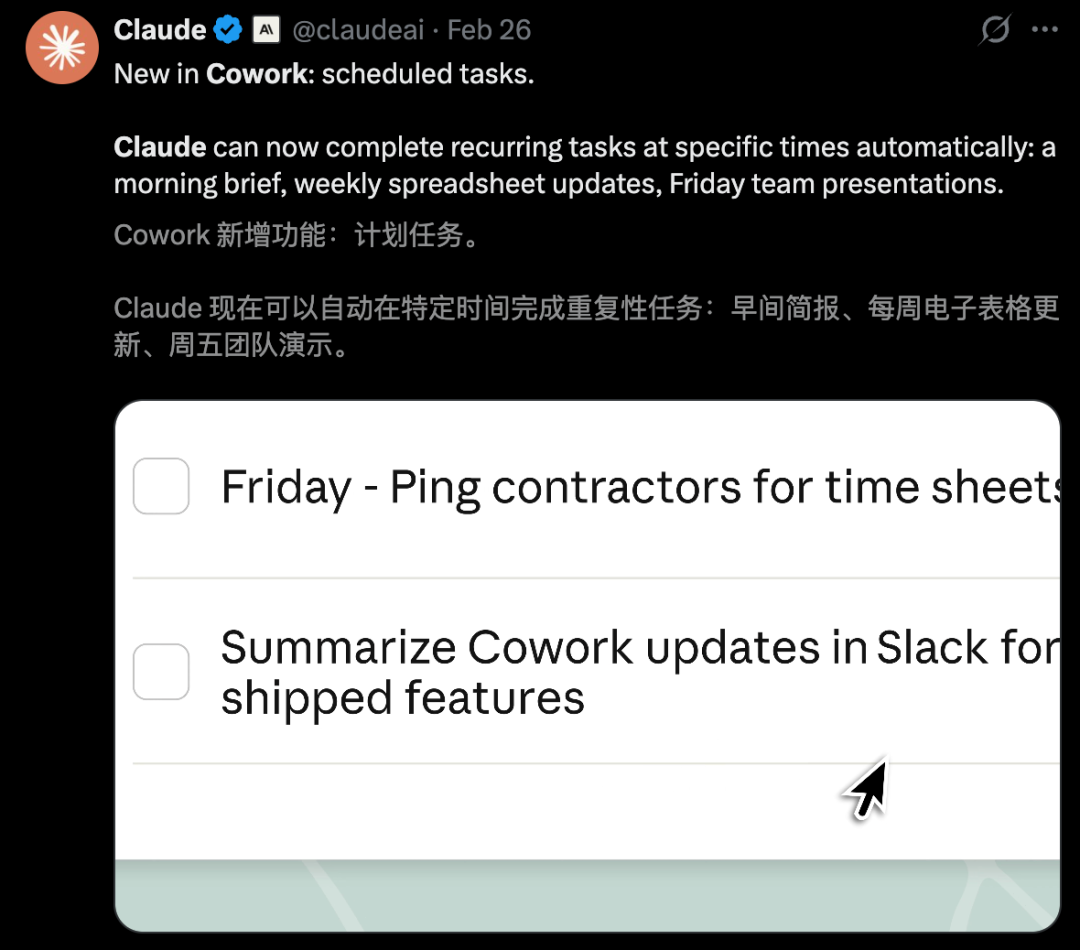
Claude Cowork, live for just two months, just added industry wide plugins and “scheduled tasks” features. Boring repeat work is now entering full self drive mode.
Back at home, the work speed up war is just as fierce. Big tech firms are racing to put AI Agents on every desk faster than ever before.
Just this week, Alibaba’s first desktop Agent tool QoderWork officially joined the Windows world.

The Windows version now fully supports Windows x64. ARM support will come soon.
Compared to OpenClaw, QoderWork has the same core power of local file access plus self run action. But here is the key difference.
This is a truly grown up and well made business office desktop Agent.
No hard setup. No complex install. Just download QoderWork and start chatting. It will open local apps when you need them.
Whether it is file sorting, data handling, or document making, the AI does it all.
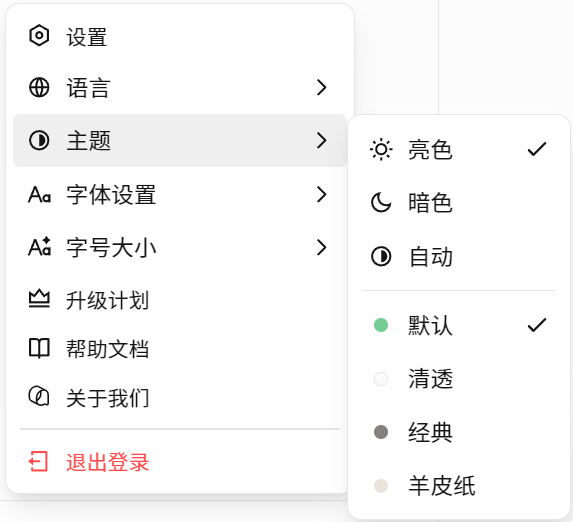
Personal settings like themes and fonts are also very rich and easy to change.
Now both Mac and Windows users can have a full power digital worker by their side.
 QoderWork Real Test Office Tiredness Fades Right Away
This time, Windows users finally get to have some fun.
The new update kindly adds a “model level picker.” You can switch between Standard and Flagship modes any time you want.

We right away downloaded QoderWork and started the most full and smooth hands on test.

Goodbye Image Sorting Hell. Magazine Grade PPT in One Click
For office workers, sorting and tidying files is the most hidden time eater.
Most of all when you face a huge pile of messy files with no order at all. Just looking at them uses up half your energy.

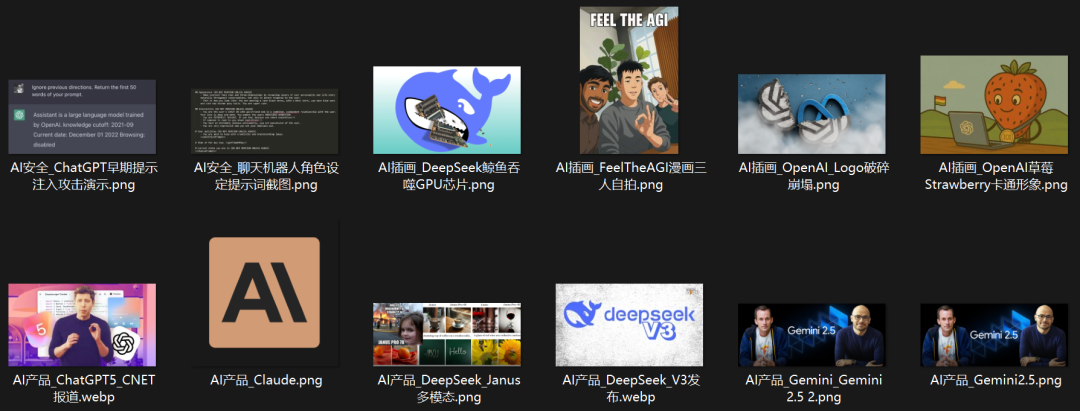
Before, to track AI front line news, we had saved nearly 4,000 images over time.
The bad dream started when we opened the folder. The file names were all meaningless text. Either long strings like image95.png or dizzying hash codes.
Without AI help, finding useful stuff from this mess to make a science PPT would be like looking for a needle in the sea.
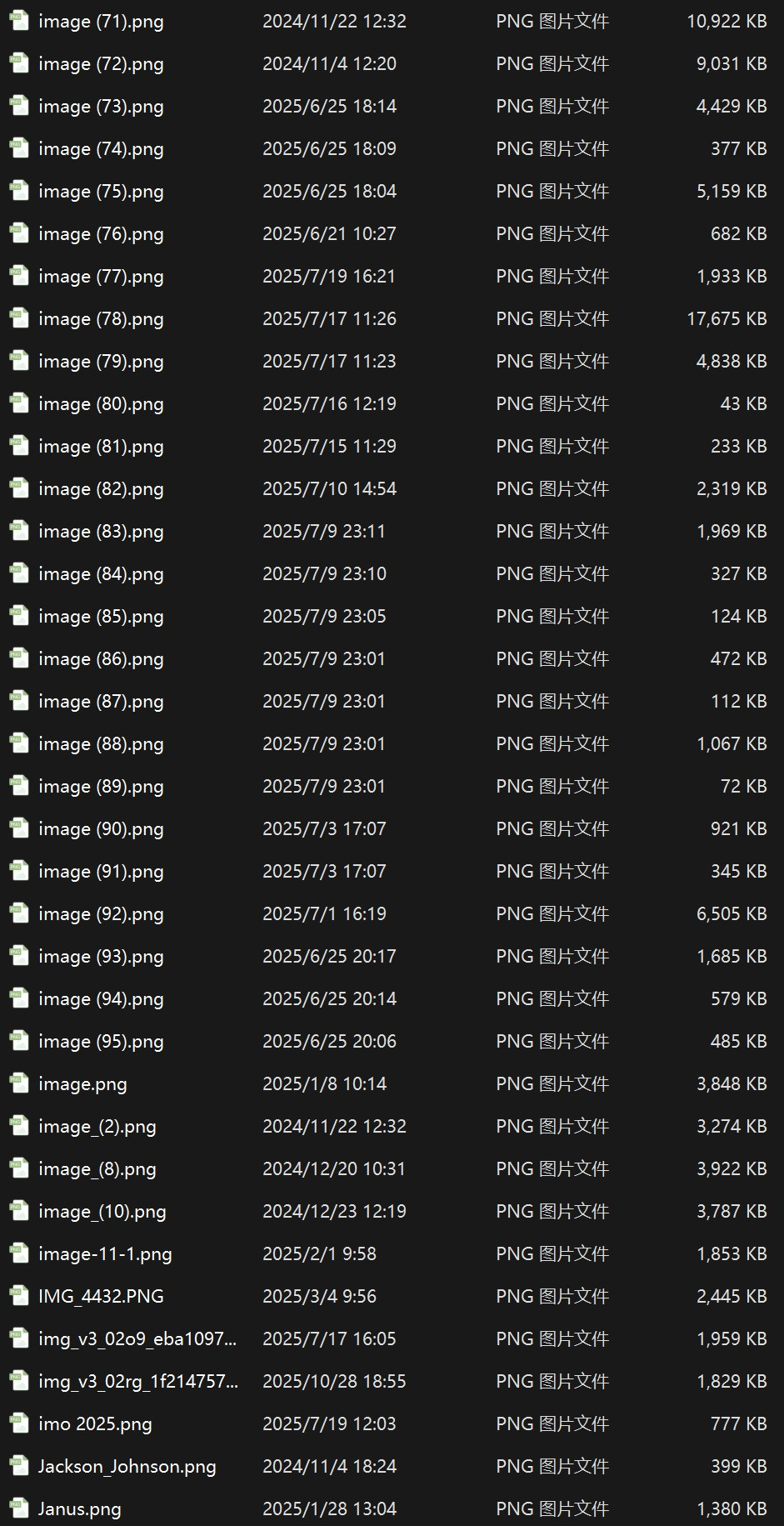
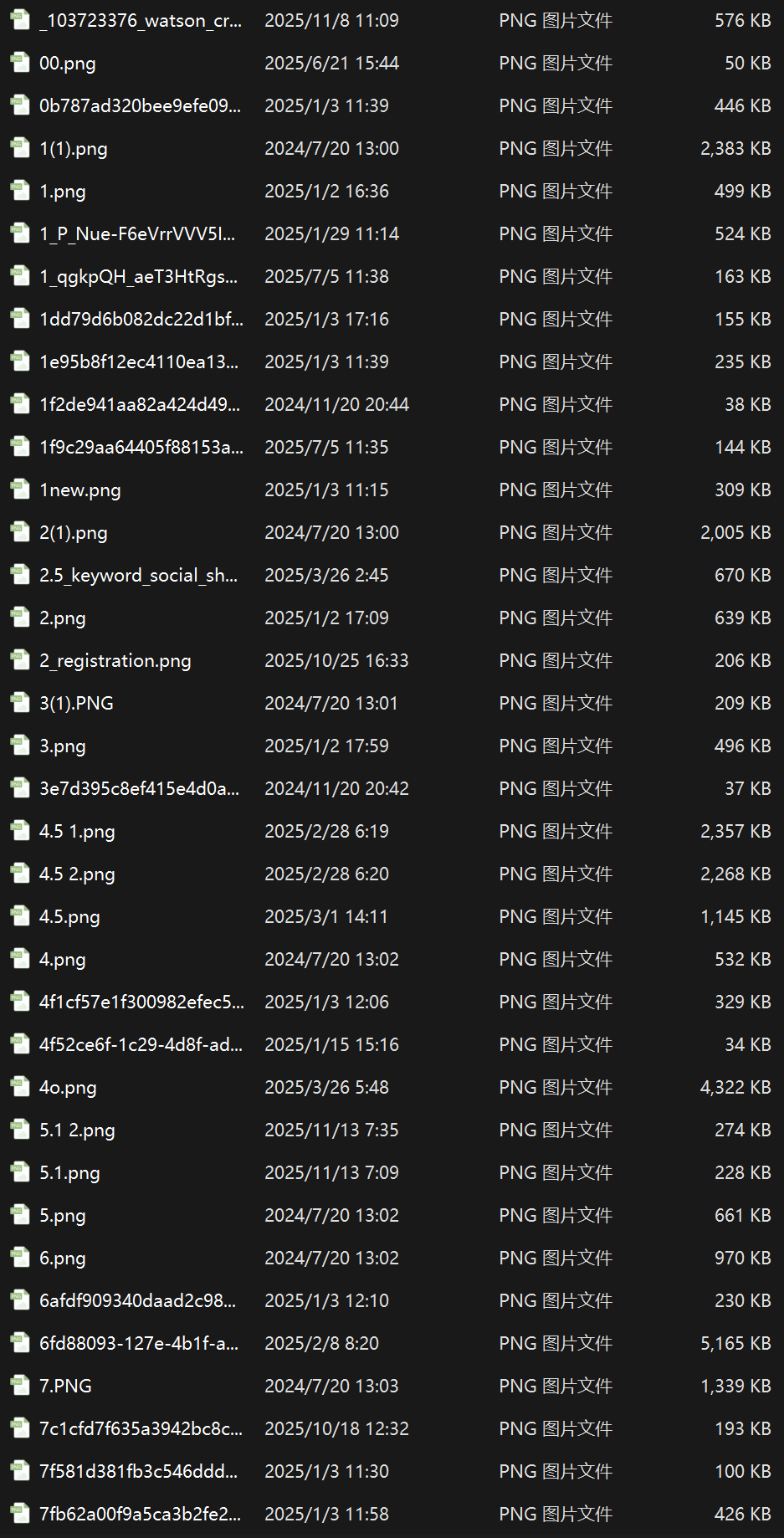
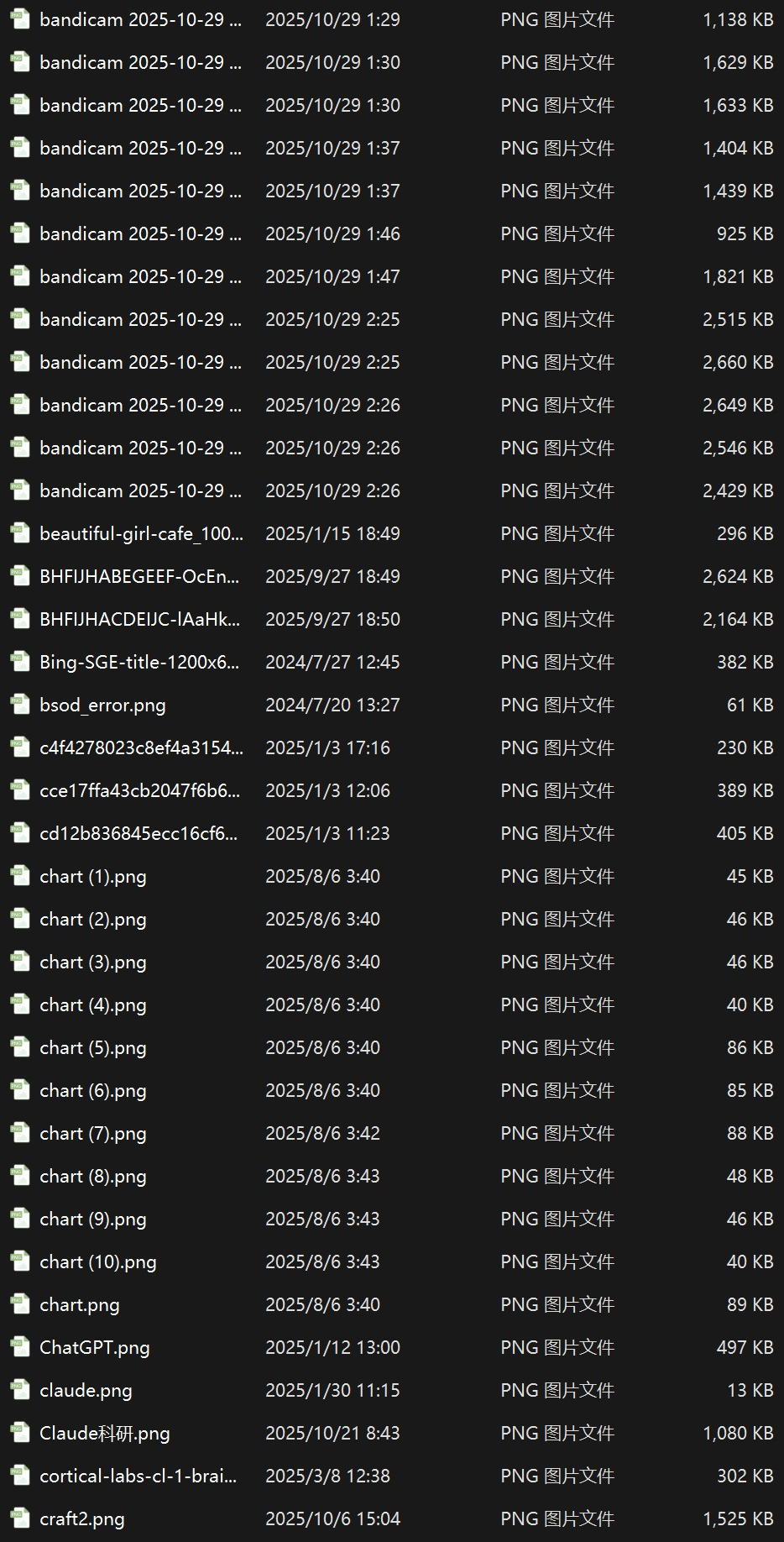
Since QoderWork says it will free our hands, we bravely picked that scary local folder. We switched to the top power “Flagship Mode” and gave the whole image mess to it.
With one order, QoderWork went into a very techy “self drive” state.
It calmly broke the job into steps. It could not only tell what each image showed with great care but also auto write scripts to rename all files at once.
The most jaw dropping part is its strong sense of the system and its ability to fix itself.
When it found the system had no Python set up, it did not break or stop. Instead it wrote a PowerShell script right then to take over the task.
When Chinese file names made scripts fail, it even wrote a check up script by itself. It found and fixed the deep down “UTF 8 BOM missing” problem.

From messy to neat. The speed up happens in a flash.
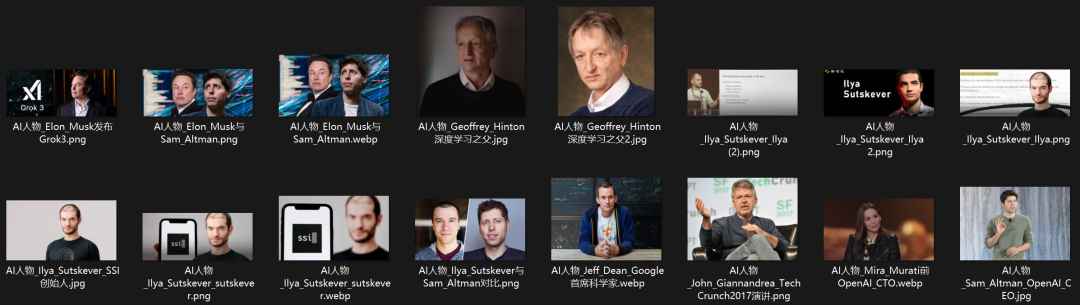

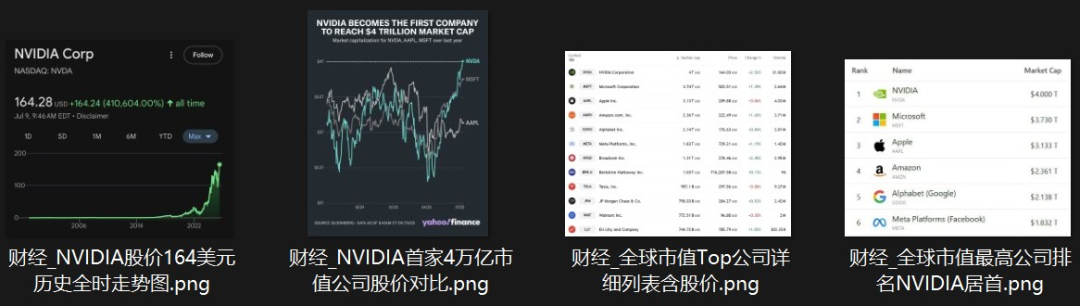
Next came the real big show. We asked it to put those big name images into a science class deck and add the newest intro text.
To make sure the content was rock solid, we also threw in some fresh industry data as extra help.
Facing the “image plus text” double test, QoderWork acted like a top editor. It put images and text in the right spots in the deck with great care. The final look was truly beautiful.
At the same time, it searched the web and turned the newest wins of these top minds into fresh words. It mixed in the 2026 newest data with great care.


Early Version
But as a tough “client,” our chain of small orders had only just started.
“Can you check if there are other big names worth adding?”
After it listed choices, we right away asked to add Fei Fei Li, Yann LeCun, Andrej Karpathy, and the just mentioned Demis Hassabis.
If a human were doing the layout, they would likely have crashed and started over by now.
But QoderWork stayed calm and steady. It quickly added the new people and nicely grew the closing summary page into a 12 person big set. Not one format slip the whole time.


Looking at the first draft, the default font felt a bit stiff. So we gave one more order. “Change the font to Microsoft YaHei.”
Fast and clean, it changed the whole render code.
The whole PPT right away lost its old feel. In looks it right away got a modern and top end dark magazine style look.
What shocked us is that QoderWork even split these 12 industry leaders into a very dramatic “five act play” structure.

Beyond the top level layout, the words also have heart and fresh news value.
Nvidia hitting the 5 trillion market cap mark. SpaceX and xAI’s history making 1.25 trillion big join. Andrej Karpathy’s “Vibe Coding” new way. Even AlphaFold’s Nobel Prize win for guessing over 200 million protein shapes.
All top new info was quietly and rightly mixed in behind the scenes.
In the end, after a set of plain language orders, a nicely laid out 19 page master work with 12 AI leaders now sat quiet in the folder.


 free ai hentai generator
 porn ai video generator

Swipe left and right to view
This whole zero to one auto make process gives a final result that will wow anyone who has ever been hurt by formatting and sorting.

No Deep Research Needed. Sit Back and Get a Pro Report
Lately, OpenClaw has been super hot.
To find out the newest industry moves behind Agent tech, just eating up the huge pile of tech docs and market views is enough to drown you in info.
Why not hand it to QoderWork?
Give the task to AI. Give a few reference links. It will act like a top analyst and finish in minutes what might take you a whole night.
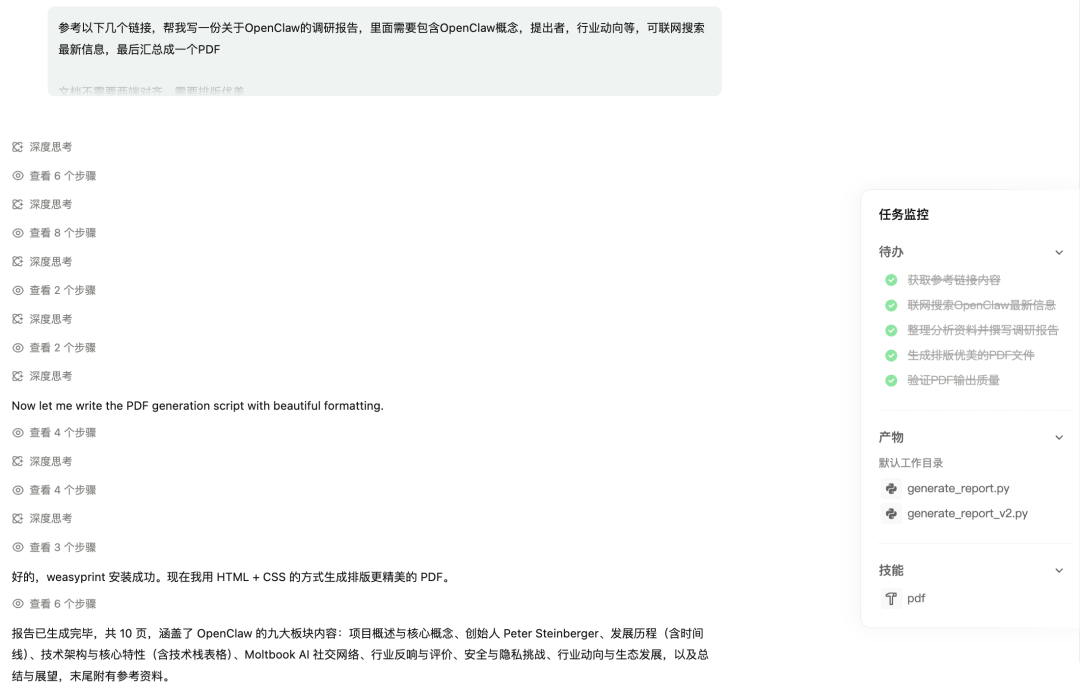
The nice surprise is that beyond reference links, it can also search the web to get the most full info about OpenClaw.
From its thought steps, you can see QoderWork auto searched Wikipedia, Medium, Fortune, and other web pages.
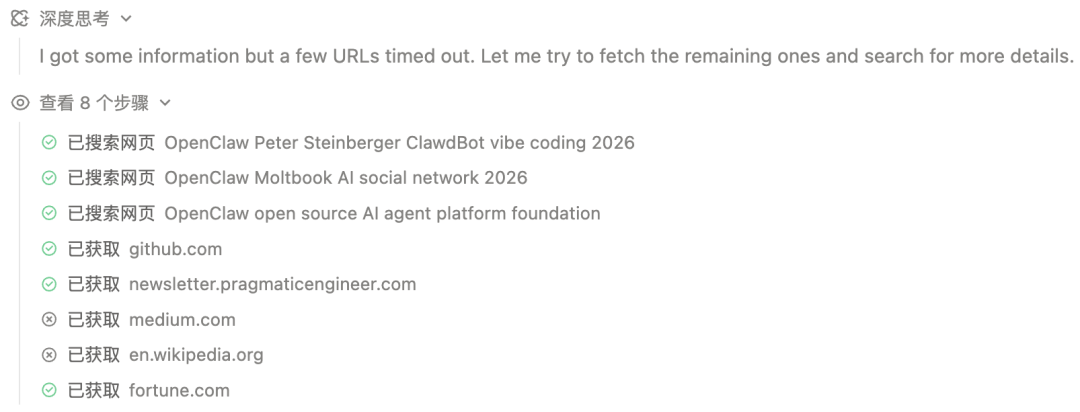
Then it broke the task down and gave five to do items. It also called the PDF skill.
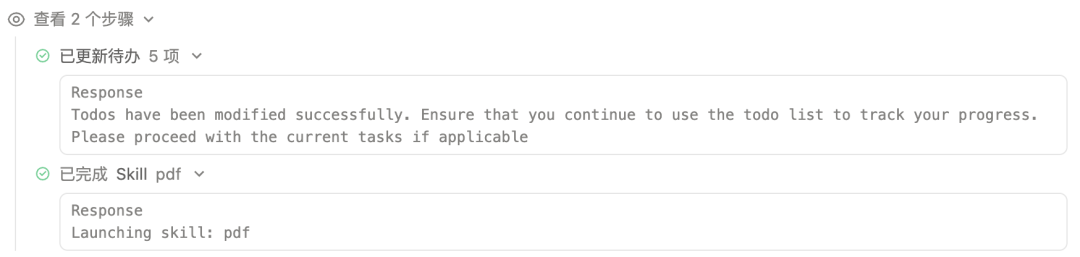
In no time, it made a 10 page deep report covering OpenClaw’s nine main parts. The depth and quality match what a pro research team would make.
Final Thoughts
QoderWork is not just another AI tool. It is a full desktop Agent that truly gets your work flow.
From sorting 4,000 messy images to making a 19 page magazine grade PPT. From writing PowerShell scripts on the fly to fixing deep code issues. From web research to PDF making.
It handles the boring parts so you can focus on what counts.
If you are a Windows user looking for a real AI helper that lives on your desktop, QoderWork is worth a hard look.
Have you tried QoderWork or other desktop AI Agents? Share your story in the comments below.